



How to set a Casio watch? Practical step-by-step instructions
Casio watches have a reputation for being simple to use, but when the moment comes to set the time, date, or time format, many people suddenly lose confidence about which button to press first. And there's nothing strange about that – each model works a bit differently. In this guide, you'll find a clear, "human" instruction that will help you master your watch in a few minutes, without guessing and without stress. If you want to quickly learn how to set a Casio watch and do it once and right – let's start.
How to set a Casio watch so it works perfectly from the first minute? Check a simple method that really works
If you're just picking up your Casio watch and wondering where to actually start, take it easy – almost every user knows this feeling. Contrary to appearances, setting a Casio watch doesn't require any specialist knowledge, but it's good to approach it calmly and step by step. At the beginning, it's worth getting oriented with button layout, because they determine how you'll go through successive stages. For some models it will be four buttons, for others three – and this is precisely where many people start getting lost. It's good to glance at the case back and check the module number, because thanks to this you'll more easily match instructions to your copy. When you already know what you're dealing with, the entire Casio watch setting starts looking much simpler, and later using functions is simply more convenient.
It's also worth approaching this with some calm, because haste is the worst advisor – buttons can react with minimal delay, and quick clicking often leads to mistakes. If you want your model to work precisely from the very beginning, set it in a room with good lighting and with a time signal from your phone. Thanks to this, seconds will jump ideally to 00, and you'll be certain that everything "keeps rhythm." It's a trifle, but you really feel the difference later – especially when you care about high accuracy. When you already enter configuration mode and switch successive values, you'll notice that Casio's operating logic is repeatable and intuitive. After one session, everything becomes natural for you and you won't need instructions even if you return to changes after some time. That's precisely why first Casio watch settings are a good moment to simply get to know your copy and start using it on your own terms.
Casio G-Shock GW-M5610U-1ER is an iconic model that combines extreme durability with advanced Tough Solar technology and Waveceptor synchronization. Its legendary, armored design and absolute reliability make it the number one choice for people who need a watch ready for any situation.
How to set an electronic Casio watch without guessing? A practical, "real-life" scheme for those who want to do it once and right
Electronic Casio models have the characteristic that they look simple, but the first minutes can be confusing. Many people press random buttons, counting that they'll eventually "hit" the right option, when in reality it's enough to learn the logic of moving between modes. It's precisely the Mode function that's the heart of settings – its successive clicks lead through seconds, hours, minutes, date, and day of the week. So if you want to avoid guessing, start by entering settings mode, and then click calmly, watching which value blinks. This is the best way to immediately grasp what and when can be changed. When you find yourself in the appropriate section, buttons responsible for changing values usually work simply – one increases, the other reverses. And although models may differ, the entire mechanism is intuitive, so once learned it serves you for years.
Electronic Casios have something else – the ability to switch between 12H and 24H formats, which is crucial for many users. Here also there's no philosophy: in time display mode just a short press of the appropriate button is enough. Some people assume that for such details you need to wade through the entire settings sequence, but Casio deliberately simplified these functions so you can do it "by hand." Electronic Casio watch settings are not a task for long minutes – it's more a matter of learning a few movements that you later perform automatically. When you've already gone through the entire process, you'll see that setting an electronic Casio watch is really a one-time affair, and subsequent corrections are just a formality. Thanks to this, you won't have to guess anything anymore – everything will become obvious to you in practice.
Casio Vintage Digital A158WEA-9EF is an iconic model that combines retro design with reliable everyday functionality. Its characteristic gold-bronze frame and classic steel bracelet give it a unique, old-school charm appreciated by fans of timeless style.
How to set the time on a Casio watch so hands and display are always aligned? See a trick that makes life easier
In hybrid models – those with digital display and hands – setting time requires a moment of focus. Many people set the digital part and then count on hands to "catch up" to the right time themselves. Unfortunately, it doesn't work that way. If you want both parts to show the same time, you must perfectly synchronize them, and this requires two short stages: setting digital time and setting hands from the crown position. So first set values on the display – precisely and without haste – and then pull the crown to the second position and rotate it so hands align with what the screen shows. It's really simple, but only when you do it consciously and without accidental clicks.
What's important – it often happens that hands slightly diverge after a fall, battery change, or due to unfortunate pressure. And here appears a trick that many people don't know: some Casio models have a hidden hand correction function that you'll call up by holding the Adjust button longer. Thanks to this, you can set them precisely even in a situation when they seem to "escape" by a few minutes. So you don't have to rotate the crown around the dial – everything can be corrected much faster. And this is precisely where you see how useful conscious Casio watch settings can be, because until you learn this function, you may struggle unnecessarily. If you do everything carefully and compare both parts, you'll be certain the watch shows exactly what it should – without shifts, without irritating differences, and without needing to repeat the entire process.
Casio Edifice EFB-710D-1AVUEF is a stylish chronograph that combines sporty dynamics with refined, classic aesthetics. Its sapphire crystal, precise Japanese movement, and solid steel construction emphasize high quality, making it an ideal choice for the demanding.
How to adjust a Casio watch when buttons confuse or "nothing works"? A step-by-step guide that will take you by the hand
This is one of the most common problems – the user tries to enter settings mode and the watch seems not to respond. Sometimes this results from the fact that Casio buttons are quite soft and need to be pressed precisely, sometimes from the fact that a given model requires more Mode clicks before anything starts blinking. So if you feel nothing's happening, first make sure you're in basic time view, because only then is settings mode available at all. Only then press buttons calmly, without nervous repetition. In many models, only after several switches will you hit blinking seconds and only then can you go further. This is normal operation, not a watch defect – many people think Casio works differently in each copy, when in practice it's enough to learn this sequence.
It's also worth being aware that some models have combinations that only work after holding the button longer, not after a quick click. So if you want to adjust a Casio watch and it seems the device doesn't respond, try holding Adjust for three seconds. This usually opens all advanced settings and allows correcting values that aren't visible at first glance. It's also good to check the module number on the back, because if you got an older model with three buttons, the function layout will be somewhat different.
If after setting your Casio you feel you'd gladly reach for another model – more classic, sporty, or hybrid – visit the WestWatches online watch store, where you'll find a carefully selected offer of Casio watches and many other brands – you can calmly compare models, check technical details, and choose the one that best fits your style. It's a good place if you care about a proven store, fast shipping, and original watches from a reliable source.

Krzysztof Szopa
Watch Expert
An expert associated with the WestWatches.pl brand, a place that has been providing watches for every occasion for years. Thanks to many years of experience in the watchmaking and jewelry industry, he passionately shares his knowledge, offering professional advice both in the online and physical store. He specializes in selecting original watches, watch accessories, and jewelry products that combine exceptional quality with competitive prices. His goal is to help customers find the ideal product that will meet their expectations and emphasize their style.

See popular articles

316L, 904L and surgical steel – what is your watch made of?
Most steel watches, from affordable models to luxury constructions, are made of 316L steel. 904L steel contains more nickel, chromium and molybdenum, and therefore offers higher corrosion resistance, but in itself it does not mean greater scratch resistance. The term “surgical steel”, in turn, does not point to one strictly defined alloy. In watches it most often refers to 316L, but without a specific material designation it may simply be a marketing name. If you are choosing a watch for years, look therefore not only at the words “stainless steel”, but also at the grade of steel, which components are made of the given material and how they are finished.
Japanese or Swiss watches? We compare quality, movements and prices
If you are wondering whether Japanese or Swiss watches are better, the name of the country alone will not give you a good answer. In both cases you will find simple models for relatively little money, solid mid-range automatics and designs belonging to the world's watchmaking high end. Far more about quality will be told to you by the specific movement, the way the case and bracelet are made, the crystal, quality control, accuracy and price. Check how Japanese watches really differ from Swiss ones and what to pay attention to before you choose a model for yourself.
The lifespan of a quartz watch – how long does it really last, and when is it no longer worth repairing?
We value quartz watches above all for their accuracy, convenience and modest day-to-day demands. That does not mean, however, that they can run indefinitely and need nothing more than a new battery once every few years. Over time, the components of the movement itself also wear out, and the moment a watch starts giving trouble can look completely different depending on the model, the way it is used and the availability of parts. So how long can a quartz watch last, what wears out in it most often and when does repair still make sense? Check what its lifespan really depends on.
The second hand on a watch – why does it jump, move smoothly or stop?
The way the seconds hand moves can tell you a lot about a watch's movement, but it is not an infallible test. A single distinct jump per second most often points to quartz, several small movements per second are typical of a mechanical movement, and an almost continuous glide is associated with Spring Drive. There are exceptions, however: there is a quartz watch with a sweeping seconds hand, and a mechanical watch that makes exactly one jump per second. What is more, a stopped hand does not have to mean a fault. Check how to read these signals and when you really need a watchmaker's help.

How do you set an automatic watch? Date, time and time zone 21:00–3:00
An automatic watch does not need a battery, but it does require a little knowledge from its owner. Setting the time or date seems simple, yet the wrong moment or the wrong way of using the crown can affect how the movement works. Many questions concern changing the date at night, moving the hands backwards and restarting a watch after a longer break. Check how to set an automatic watch correctly, what to pay attention to with the crown and why people often talk about particular caution between 9:00 pm and 3:00 am.

Wodoszczelność 10 ATM i 20 ATM – czy możesz pływać i nurkować z takim zegarkiem?
Co naprawdę oznacza 10 ATM lub 20 ATM na zegarku i czy takie oznaczenie pozwala bez obaw wejść do basenu, morza albo nurkować? Same liczby mogą być mylące, dlatego sprawdź, jak czytać klasę wodoszczelności i dobrać zegarek do aktywności w wodzie.
Water resistance 3 ATM – what does it mean and what can you do with it?
3 ATM water resistance means the watch is prepared above all for rain, accidental splashes and brief contact with water during everyday activities. It does not mean that you can swim with it, shower in it or submerge it to a depth of 30 metres. It is precisely the “30 m” marking that most often misleads. It is the result of a pressure test carried out under controlled conditions, not a declared working depth. So if you see 3 ATM, 3 bar or Water Resistant 30 m on the case back or in the specification, treat the watch as resistant to everyday moisture, but not as a watch for water activities.

Rolex-style watches – the best alternatives to the Submariner, Explorer and Datejust
For years Rolex has been one of the most important style benchmarks in the watch world, but its price is not within everyone's reach. That is why it is worth looking at watches similar to Rolex and models inspired by its styling, which offer their own character, solid build quality and much more affordable prices. We are not talking about counterfeits here, but about legitimate watches from other brands that draw on similar solutions and design language. Check out watches inspired by Rolex's style and choose the model that suits your style and budget.
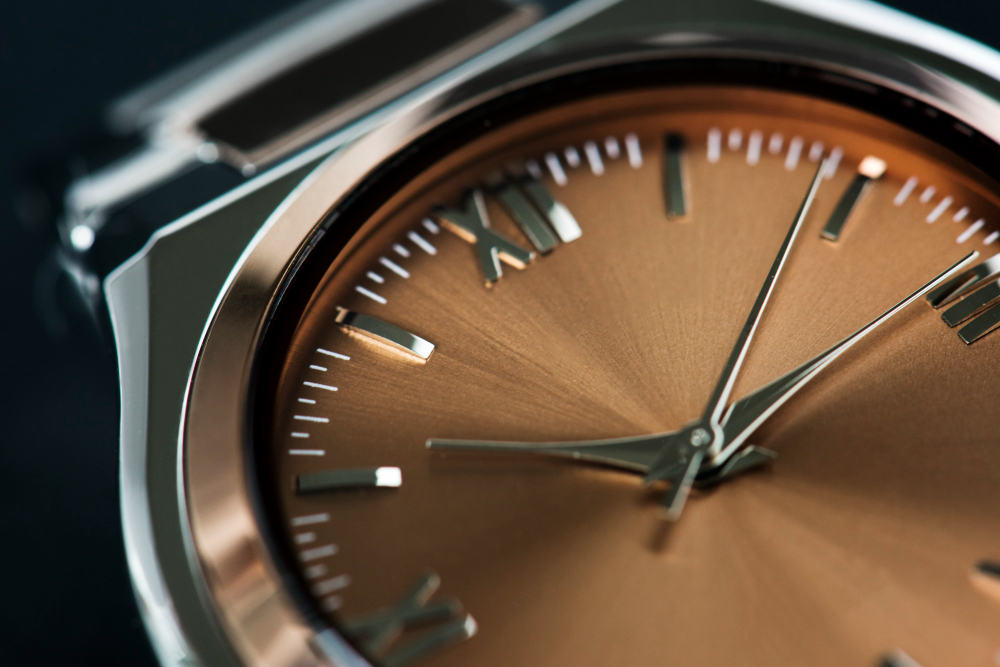
A bronze watch – why does each one change over time?
A bronze watch stands out because its appearance changes along with its owner. The case gradually darkens, turns matte and develops a patina, so two identical models can look completely different after just a few months. This is the greatest advantage of bronze, but also a trait you need to accept before buying. If you expect a watch that keeps its factory shine for years, steel may be a better direction. If, on the other hand, you like vintage looks, signs of use and the natural ageing of a material, bronze gives an effect that is hard to achieve in any other metal.